A practical comparison of interactive SaaS sandbox platforms, product-demo tools, and guided tours, with clear buying criteria and tradeoffs.
TL;DR
Interactive SaaS demo platforms serve different jobs. Use guided tours for fast product education, replicas for controlled storytelling, and live sandboxes for hands-on validation. Evaluate Navattic, Reprise, Walnut, Storylane, Demostack, and Arcade based on proof needed, security boundaries, and maintenance capacity.
Interactive product demos can shorten the gap between curiosity and a serious sales conversation. But the category is crowded because buyers use “sandbox,” “demo,” and “tour” to mean very different things.
The best interactive SaaS sandbox platform is the one that matches your product complexity, security constraints, audience, and team capacity. Do not buy a polished click-through replica when prospects need to test real workflows. Do not expose a live environment when a controlled guided tour will answer the buying question.
Quick Take
The best interactive SaaS sandbox platforms are not interchangeable: live sandboxes let prospects use a working product environment, replicas simulate selected workflows, and guided tours lead visitors through predefined product stories.
For most SaaS marketing teams, the decision comes down to control versus realism. A replica or guided demo is usually faster to launch, easier to maintain, and safer to share publicly. A live sandbox is more convincing for technical buyers, but it needs stronger data controls, provisioning, support ownership, and product involvement.
Here is the practical shortlist:
Navattic is a strong fit for teams that want interactive product tours embedded across marketing and sales journeys.
Reprise is built around product experiences for both marketing and sales, including guided demos and demo environments.
Walnut is suited to sales teams that need personalized, shareable product demos.
Storylane is a practical option for creating interactive demos and product tours with a relatively approachable publishing workflow.
Demostack is aimed at sales-led teams that need controlled demo environments and tailored product stories.
Arcade is a good fit for lightweight, interactive walkthroughs, particularly where speed and distribution matter more than simulated product depth.
A contrarian point: do not start by asking which platform has the most demo features. Start by asking what a buyer must believe after using it. If the answer is “I understand the product,” a guided tour may be enough. If the answer is “I can see this working with our process,” you may need a replica or live sandbox.
This page compares software providers, not sandbox strategy or interface design. For the broader role of interactive experiences in acquisition, see our guide to SaaS interactive sandboxes. If you are already building one, the separate question of sandbox UX deserves its own work.
Evaluation Criteria
We reviewed official product pages and publicly available documentation, then assessed each platform against the buying decisions that usually matter before procurement. Product capabilities, packaging, and security documentation can change, so confirm current requirements directly with each vendor before signing.
The sandbox selection sequence
Use this four-step model to avoid buying the wrong category of tool:
Define the proof moment. Identify the one thing a prospect needs to see, try, or understand before they will take the next step.
Choose the right environment type. Decide whether that proof requires a guided tour, a replica, or a live product environment.
Set the control boundary. Determine what data, integrations, permissions, and actions must remain unavailable to prospects.
Price the maintenance burden. Include implementation, content updates, analytics, sales enablement, and technical ownership, not just software subscription cost.
Live sandboxes, replicas, and guided tours are different products
A live SaaS sandbox is an isolated, working product environment. It may use seeded data, restricted permissions, temporary workspaces, or a dedicated tenant. The prospect can usually make real changes inside defined guardrails. This model is useful when workflow depth, configuration, or technical validation matters.
A product replica recreates selected parts of a product experience without giving users access to the production application. It may capture screens, simulate interactions, or reproduce a specific journey. Replicas are useful when you need a realistic product story without exposing systems, customer data, or live integrations.
A guided product tour is a curated click path through product screens, screenshots, or captured application states. It is often the fastest and safest route for homepage visitors, paid campaign traffic, and early-stage evaluation. Its limitation is obvious: prospects can only explore the paths you built.
The distinction matters because the wrong format creates false confidence. A demo tour can make a complex product look clear, but it cannot prove integration behavior. A live sandbox can prove capability, but it can also create setup friction before a buyer has even understood the core value.
What we assessed
This comparison weighs:
Whether the platform is primarily suited to guided tours, replicas, live demo environments, or a combination.
How well it supports marketing, sales, and product-led buying journeys.
The likely implementation effort, including capture, content production, integrations, and ongoing maintenance.
Personalization, sharing, embedding, and analytics options described by each provider.
Security and data-control questions a SaaS team should raise during evaluation.
Where the platform is likely to be a poor fit.
There is no universal winner. The best choice depends on whether your motion is self-serve, sales-led, technical enterprise, or somewhere in between.
Top Tools Compared
Navattic
Tool: Navattic
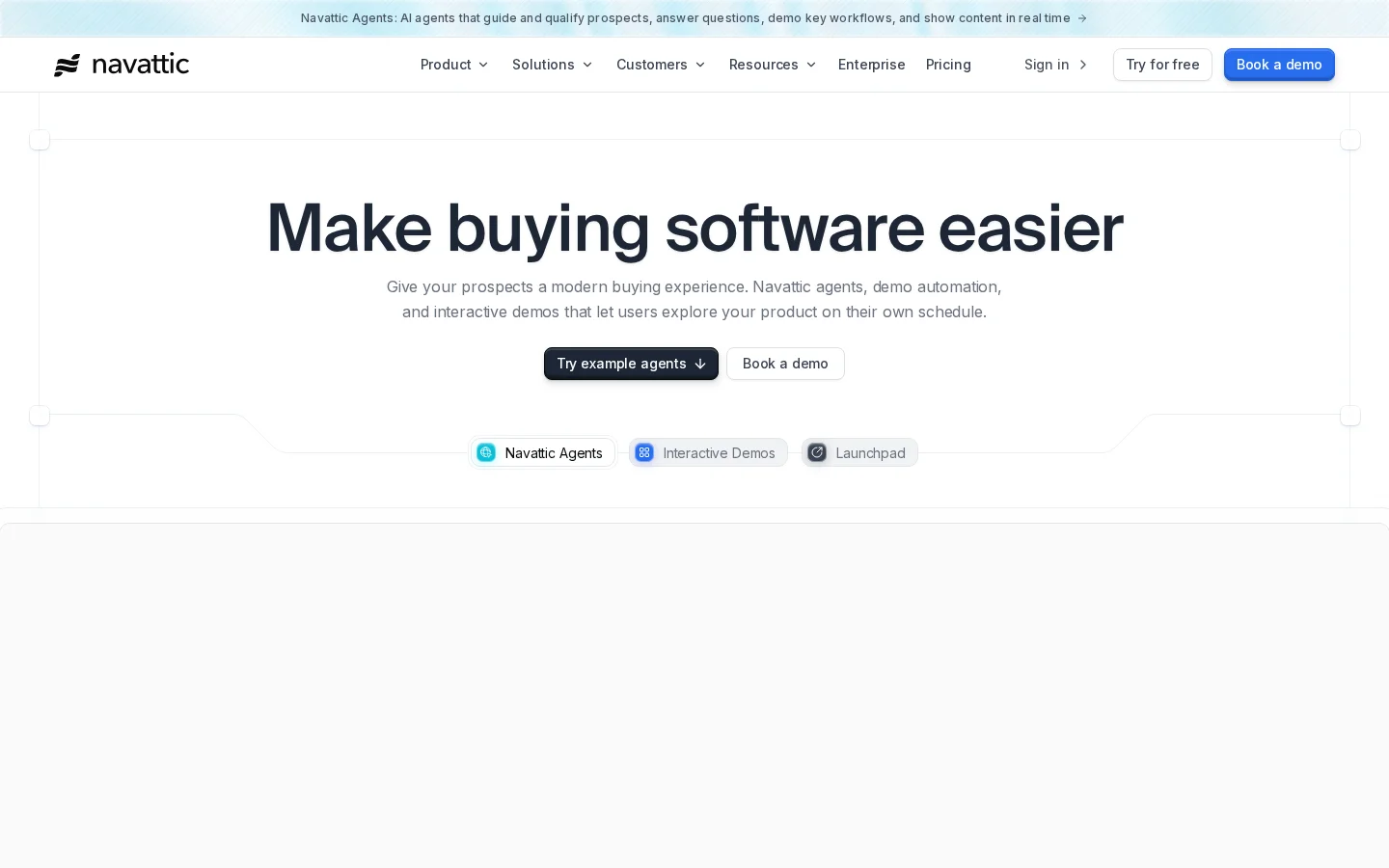
Navattic focuses on interactive product demos that can be embedded on websites, used in campaigns, and shared through sales workflows. It is best understood as a product-tour and captured-demo platform rather than a replacement for a fully working product trial.
It is a strong candidate when marketing needs to show value before a prospect books a call. For example, a visitor can choose a role, move through a relevant workflow, and reach a demo request after seeing the product’s core proof points. That is often more useful than sending every visitor to the same generic scheduling page.
Implementation effort is usually moderate. Someone still needs to capture the right product states, write the story, set paths, add calls to action, and update the experience as the product changes. The platform reduces production friction, but it does not decide what your demo should prove.
Security is comparatively straightforward when the experience is based on captured product states or a controlled replica. Still, ask how assets are stored, what tracking scripts are used, how shared links are controlled, and whether internal or customer information can appear in captures.
The tradeoff is realism. Navattic can explain a product well, but it is not the right answer if a technical evaluator needs to configure a live integration or test a real workflow with their own data.
Reprise
Tool: Reprise
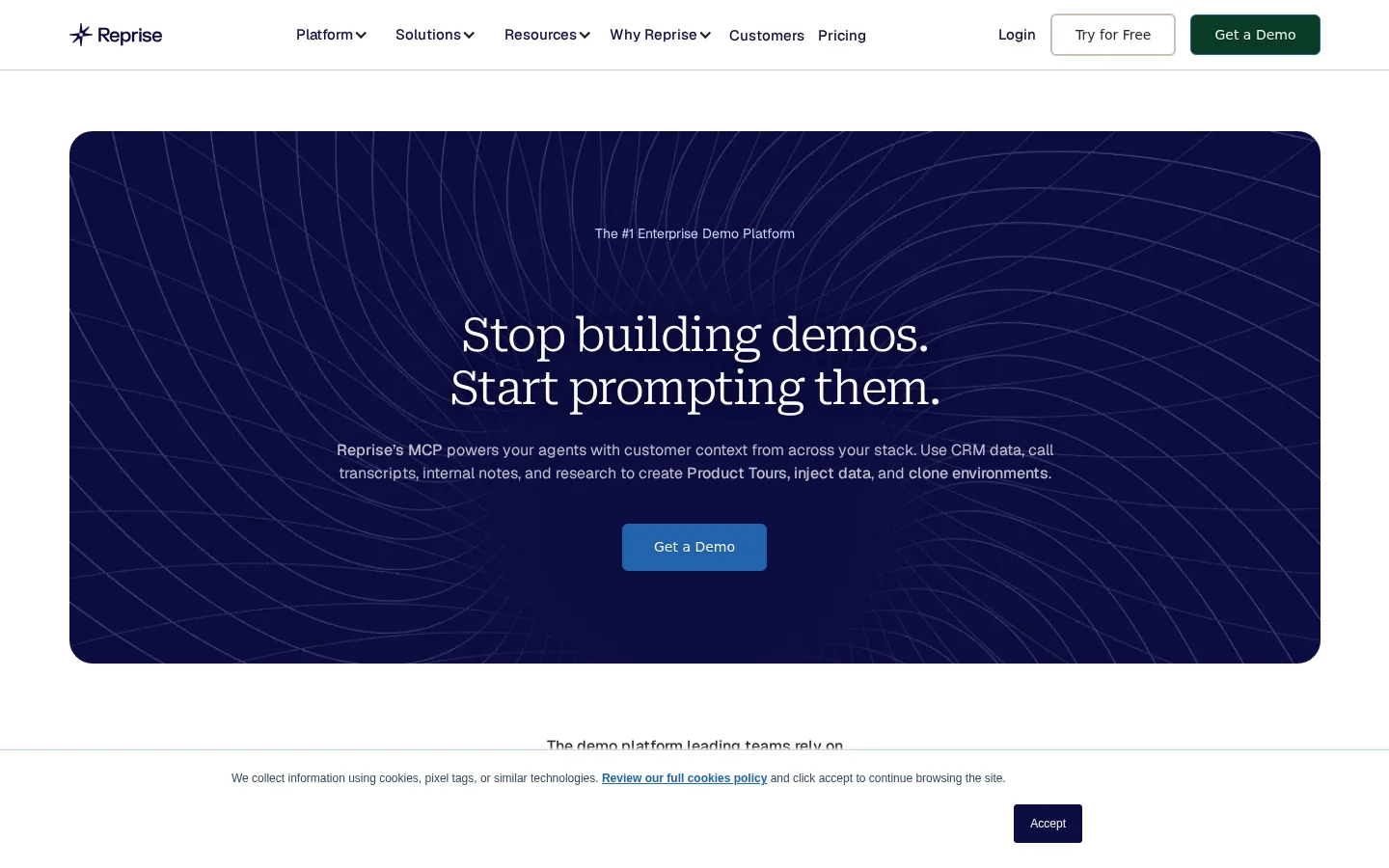
Reprise positions its platform around product experiences for marketing and sales. Its offering covers guided demos and demo environments, making it relevant for companies that need more than one kind of product story across the buying journey.
This breadth can be valuable for an enterprise sales team. Marketing may need a public interactive walkthrough, while account executives need controlled versions of the product tailored for an industry, account, or use case. A platform that supports both can reduce the visual and operational gap between demand generation and sales enablement.
The implementation effort is often higher than a lightweight tour tool because breadth creates choices. Teams need governance around who can create demos, how account-specific versions are managed, and which product changes require updates.
Ask direct security questions, especially if you are evaluating demo environments: Is the environment isolated? How is sensitive data removed? How are credentials handled? Can access expire? What integrations, if any, are available inside the demonstration environment?
Reprise is worth evaluating when you need a broad demo program. It may be more platform than a small team needs if your only goal is a single interactive walkthrough on a homepage.
Walnut
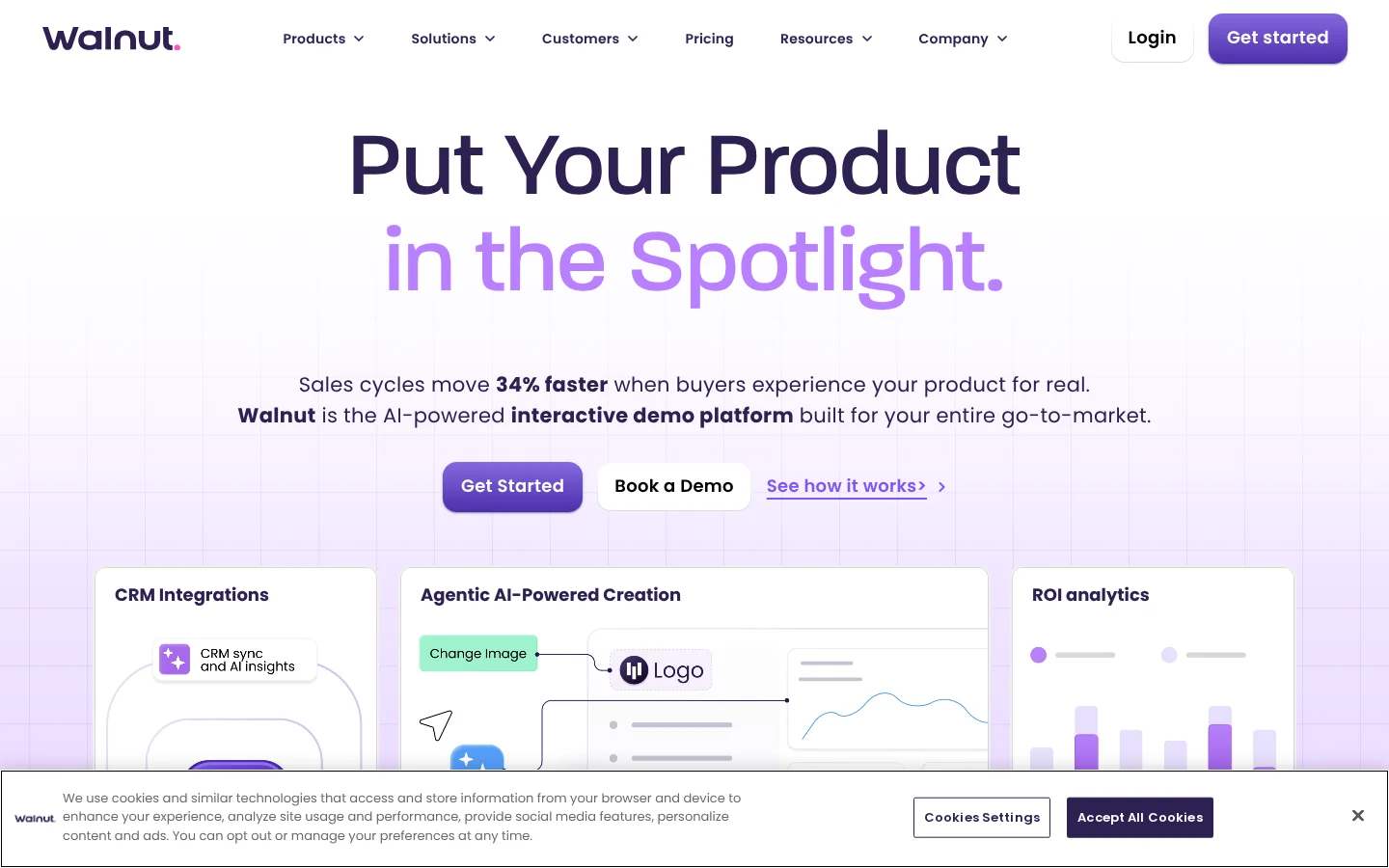
Tool: Walnut
Walnut is oriented toward interactive demos for sales and marketing teams, with an emphasis on personalizing the experience for prospects. That makes it particularly relevant for companies with account-based sales motions, where the same product story needs to feel specific to different stakeholders.
Picture a sales team selling workflow software to finance, operations, and IT. Each buyer may care about a different part of the product. A personalized demonstration can foreground the appropriate workflow without requiring a live account to be configured from scratch for every call.
The operational question is governance. Personalization is useful until every salesperson creates their own outdated version of the story. Set approved templates, define what can be customized, and nominate an owner for product updates.
Walnut is usually a better fit for controlled sales narratives than for deep technical proof. If your buyer needs to validate complex logic, API behavior, or security architecture, pair the demo with technical documentation, a solution engineer session, or a properly isolated sandbox.
Storylane
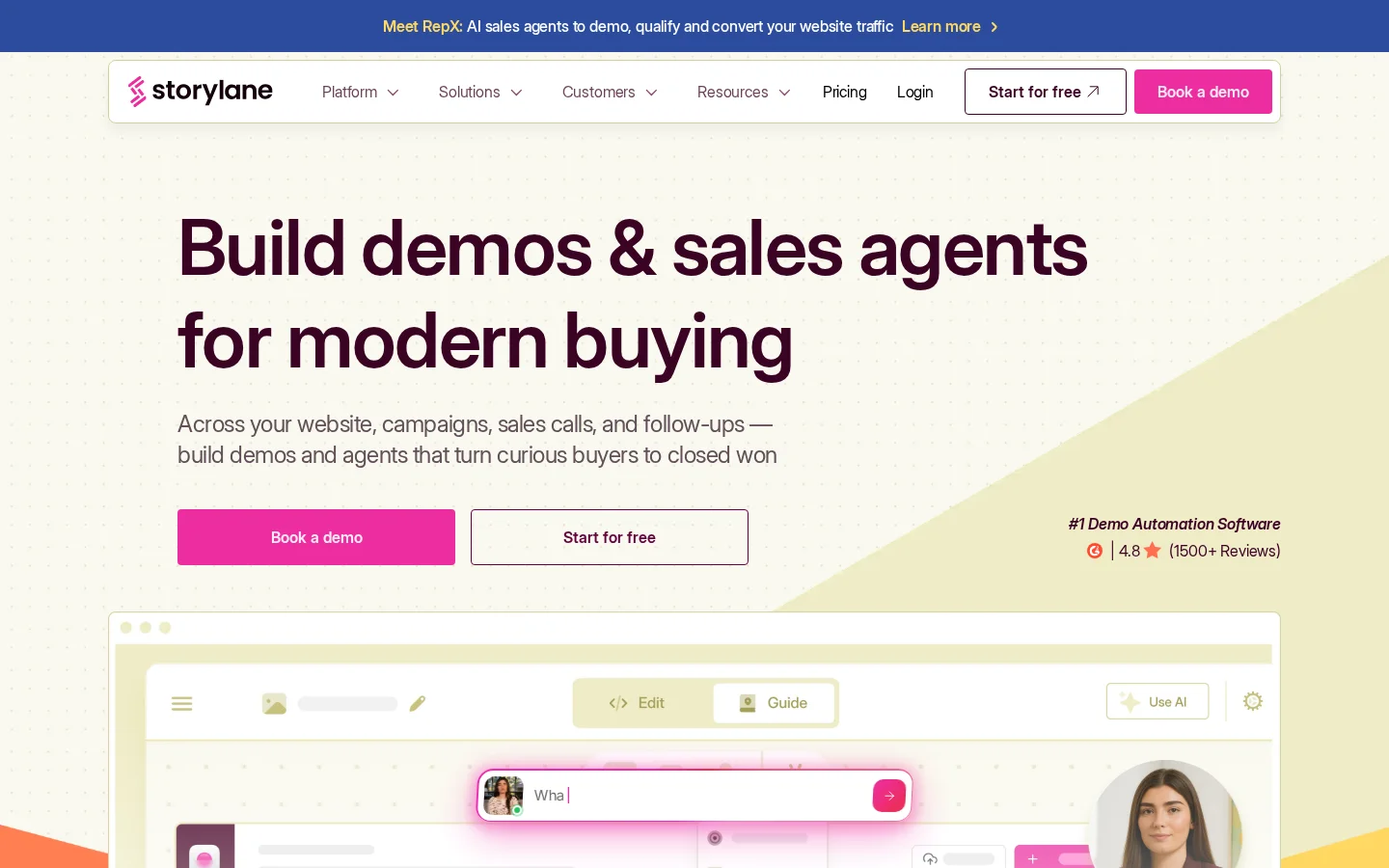
Tool: Storylane
Storylane offers interactive product demos for website and sales use cases. It is a practical platform to assess when a team wants to turn a working product flow into a guided experience without building a separate demo application.
It works well for clear, repeatable stories: show a setup sequence, walk through a reporting view, or demonstrate how a user completes a task. A B2B company might embed different demos on feature pages, then compare completion and conversion behavior in its analytics stack.
A sensible measurement plan starts with a baseline. Track feature-page conversion, demo completion, CTA clicks, and qualified demo requests for four weeks. Launch one focused interactive experience, tag it in Google Analytics or Amplitude, then compare behavior over the next four to six weeks while controlling for major traffic-source changes. That is a measurement plan, not a promised outcome.
Storylane is less appropriate when the prospect must freely explore an open-ended environment. It is designed to guide and communicate, which is often the point, but that guidance also limits discovery.
Demostack
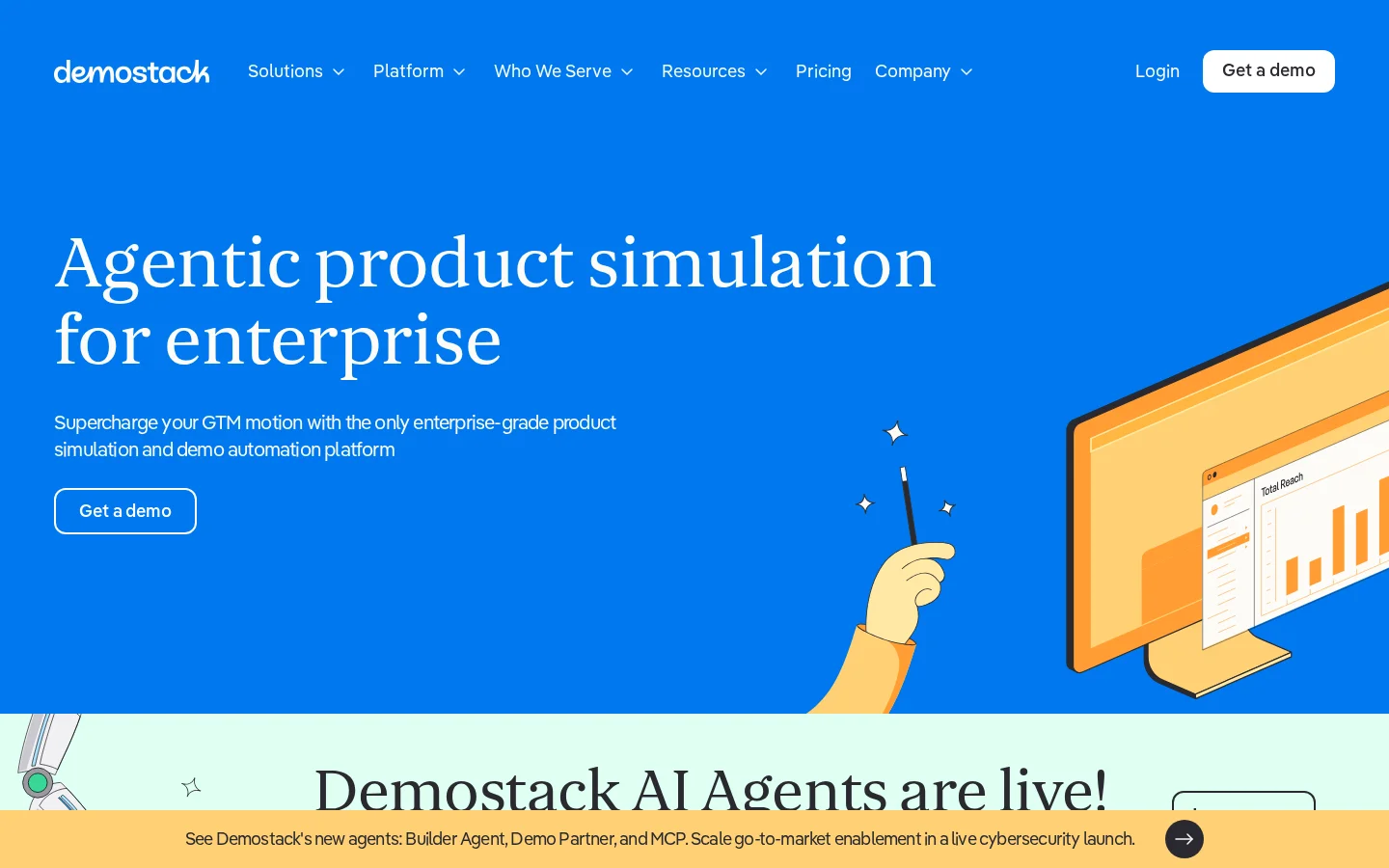
Tool: Demostack
Demostack is built for teams that need controlled demo environments and personalized product stories without relying on production accounts. It is especially relevant for sales organizations where live demos are central to the buying process and product changes frequently create demo risk.
The appeal is control. Instead of hoping a live account behaves during a call, a sales team can present a stable version of the product, tailor data and branding, and keep demonstrations aligned with the narrative. That can protect the sales conversation when the real product requires long setup, sensitive integrations, or unpredictable customer data.
The tradeoff is ownership. Stable demo environments still need maintenance. Product, sales enablement, and solutions engineering need a shared process for updating key workflows after releases. Without one, the demo becomes a beautiful but inaccurate promise.
Demostack is a strong option for complex sales-led SaaS. It may be unnecessary for a product with a simple self-serve motion and one primary use case.
Arcade
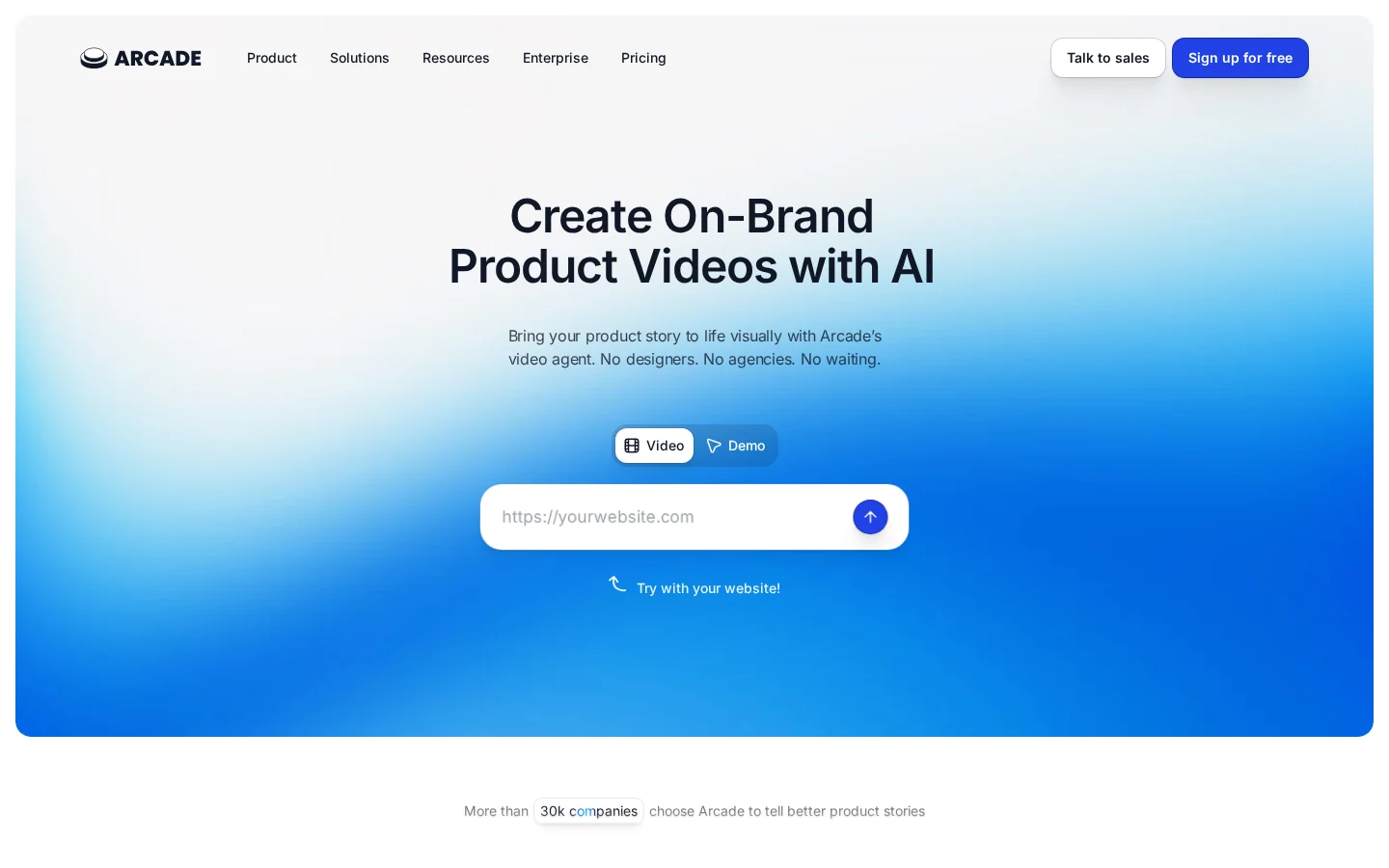
Tool: Arcade
Arcade is designed for interactive demos and walkthroughs that are easy to share and embed. It is a useful option for teams that need fast, lightweight product explanation across landing pages, help content, release notes, and sales follow-ups.
This is often the right level of effort when the buyer needs orientation, not a sandbox. For example, a product marketing team can use a short walkthrough to show a new workflow in a launch page, while customer success uses a related version in a help-center article.
The limitation is the same advantage in reverse: lightweight experiences are not substitutes for a deeper trial. Do not use a short walkthrough to pretend you have solved technical evaluation. Use it to get the right people interested enough to take the next step.
For any publicly embedded demo, validate that captures do not include customer names, email addresses, account identifiers, private URLs, or sensitive operational data. The OWASP guidance on sensitive data exposure is a useful baseline for the broader security conversation.
Side-by-Side Comparison
Platform | Primary format | Best fit | Implementation effort | Security and data considerations | Main limitation |
|---|---|---|---|---|---|
Navattic | Interactive product tours and captured demos | Marketing-led product education | Moderate | Review captured screens, sharing controls, and tracking | Limited for hands-on technical validation |
Reprise | Guided demos and demo environments | Teams needing marketing and sales demo coverage | Moderate to high | Validate isolation, credentials, access controls, and demo data | Can be broader than a simple tour requirement |
Walnut | Personalized interactive demos | Account-based and sales-led teams | Moderate | Set controls for templates, shared links, and captured data | Not a substitute for live workflow testing |
Storylane | Interactive demos and guided tours | Product marketing and feature-page education | Low to moderate | Audit captures and embedded analytics | More guided than open-ended |
Demostack | Controlled demo environments | Complex enterprise sales demos | Moderate to high | Confirm environment controls, data handling, and governance | Requires ongoing demo ownership |
Arcade | Lightweight interactive walkthroughs | Fast content distribution and product education | Low to moderate | Remove sensitive data from all captures | Less suitable for deep product evaluation |
The table should narrow a shortlist, not close a buying decision. Book a vendor conversation only after you have written the proof moment and environment type down. Otherwise, every polished demo looks useful.
Best Choice by Use Case
Best for website visitors who need a quick product story
Choose Navattic, Storylane, or Arcade when the job is to make a product understandable before a visitor speaks to sales. These tools are strongest when paired with a clear page narrative, focused CTA, and a conversion path that does not force every visitor into a generic demo request.
A product tour cannot repair weak positioning. If visitors do not understand why the product matters before the first click, revisit the page story and homepage positioning first.
Best for personalized sales demos
Choose Walnut when sales reps need controlled, account-relevant demonstrations that can be tailored without changing the live product. Choose Reprise or Demostack when the wider sales organization also needs more robust environment control.
The key buying question is not “Can we personalize it?” It is “Can we personalize it without multiplying outdated demo versions?” Ask vendors to show template governance, shared content management, and how teams update experiences after product releases.
Best for complex enterprise evaluation
Choose Demostack or Reprise when live production demos are difficult, risky, or inconsistent. These platforms are worth investigating when product configuration, permissioning, integrations, or long setup cycles make standard trial accounts impractical.
If the buyer needs real technical validation, do not hide behind a replica. Use the controlled demo to explain the product, then offer a clearly bounded technical validation step with the right engineering support.
Best for a small product marketing team
Choose Storylane or Arcade if your priority is speed, focused storytelling, and a manageable maintenance burden. Start with one high-intent page or one sales follow-up flow. Do not launch ten tours at once and discover nobody owns updates.
Best for a full demo program across marketing and sales
Choose Reprise if you need to evaluate a broader product-experience platform. It is better suited to organizations that have enough volume, sales complexity, and internal ownership to benefit from a more expansive setup.
Security and data questions to ask every vendor
Security review should happen before your team captures screens or provisions any environment. Public demos have a habit of exposing things that were never meant to become public.
Ask each provider:
Where are captured assets and demo data stored?
Can access be restricted, revoked, or set to expire?
What analytics, cookies, or third-party scripts run in embedded experiences?
How are credentials, API keys, and integrations handled in demo environments?
Can the platform support synthetic data and prevent accidental production-data capture?
What security documentation is available for your procurement process?
For regulated or enterprise sales, involve security early. The SOC 2 framework from AICPA is commonly part of vendor due diligence, but it does not replace a review of your exact data flow and access model.
Bottom Line
The best interactive SaaS sandbox platforms solve different problems. Navattic, Storylane, and Arcade are compelling when you need guided product education. Walnut is a strong sales-personalization option. Reprise and Demostack deserve attention when controlled demo environments and a broader enterprise demo operation matter.
Do not buy a sandbox platform to compensate for an unclear product story. First decide what a buyer needs to understand, what they need to test, and what must remain controlled. Then choose the smallest tool category that can deliver that proof reliably.
A useful implementation sequence is simple: establish a baseline for relevant page conversion and demo completion, launch one focused experience, review recordings and funnel behavior weekly, then expand only after the team can keep the first experience current. This follows the same principle as conversion-focused web design: improve the path before adding more surface area.
FAQ
What is an interactive SaaS sandbox platform?
An interactive SaaS sandbox platform helps prospects experience a product before or during a sales process. Depending on the platform, that may mean a guided product tour, a simulated product replica, or an isolated working environment with restricted access.
What is the difference between a sandbox and an interactive demo?
A sandbox usually provides some level of usable product access in a controlled environment. An interactive demo may only simulate or guide a product experience. Sandboxes offer more realism but require more setup, security review, and ongoing maintenance.
Which platforms are best for interactive product demos?
Navattic, Storylane, Arcade, Walnut, Reprise, and Demostack are all credible options to evaluate. The right choice depends on whether you need a website tour, sales personalization, a controlled demo environment, or technical product validation.
Are interactive product demo platforms safe for enterprise SaaS?
They can be, but safety depends on how the experience is built and governed. Use synthetic data, remove customer information from captures, restrict access where necessary, and confirm each vendor’s security documentation, data handling, and integration model during procurement.
How much effort does a SaaS sandbox require to maintain?
A guided tour may need periodic updates when the interface or messaging changes. A controlled demo environment can need ongoing work from product, sales enablement, and solutions engineering. The more realistic and personalized the environment, the more ownership it usually needs.
Should we build a live sandbox or use a demo platform?
Use a demo platform when buyers mainly need to understand product value and workflows. Consider a live sandbox when buyers must test real configuration, integrations, or hands-on behavior. Many teams use both: a guided demo for early education and a restricted environment for later technical evaluation.
If your product story, website, and demo path are out of sync, work with Raze on a clearer buying journey.